Vocabriq AI
Learn it. Hear it. Say it. Remember it.
Build practical language skills with vocabulary, listening, reading, writing, pronunciation and review on iPhone and iPad.
Explore guided lessons, real-world conversation, voice recording and everyday learning tools—all in one place.
Take a look inside. Browse the gallery and tap any picture for a closer look.
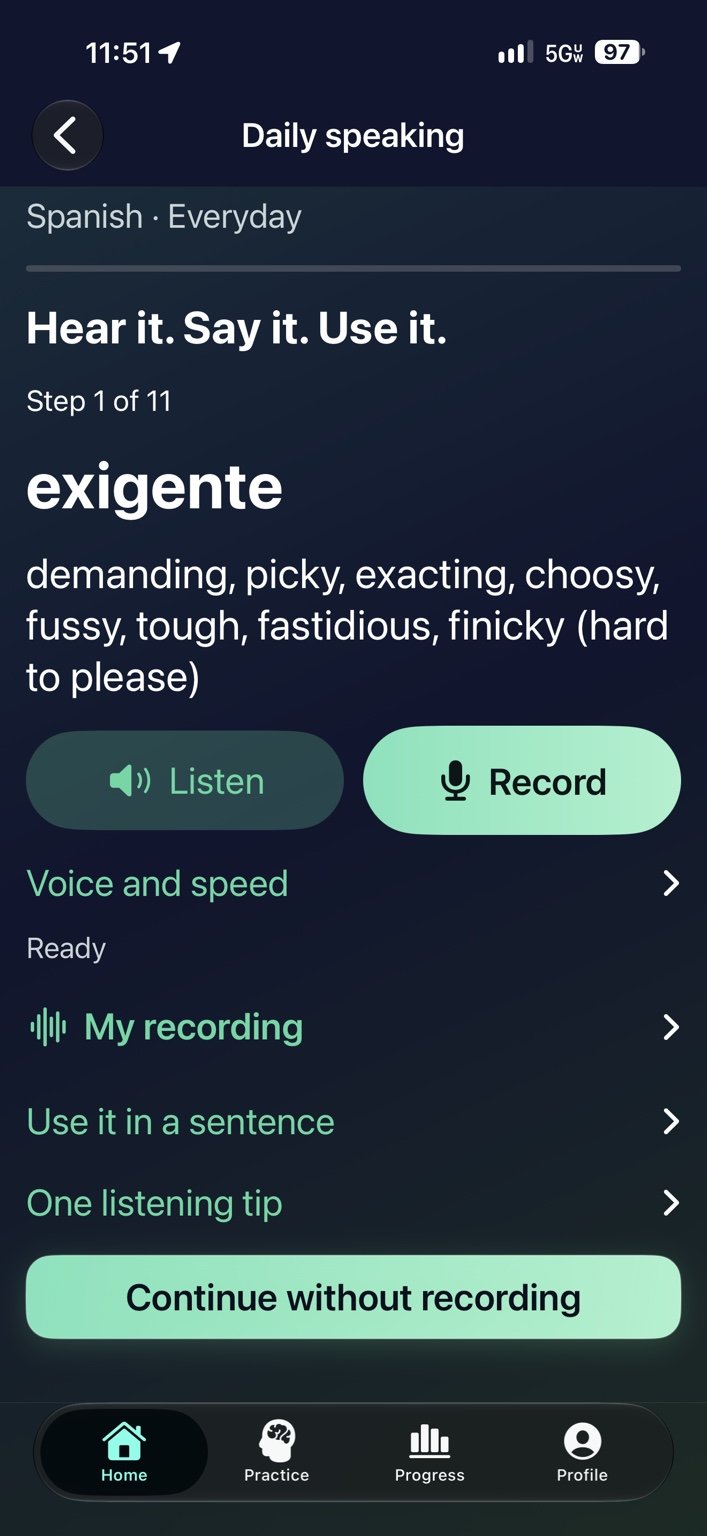
Daily speaking — Listen, record and use a word in a sentence.
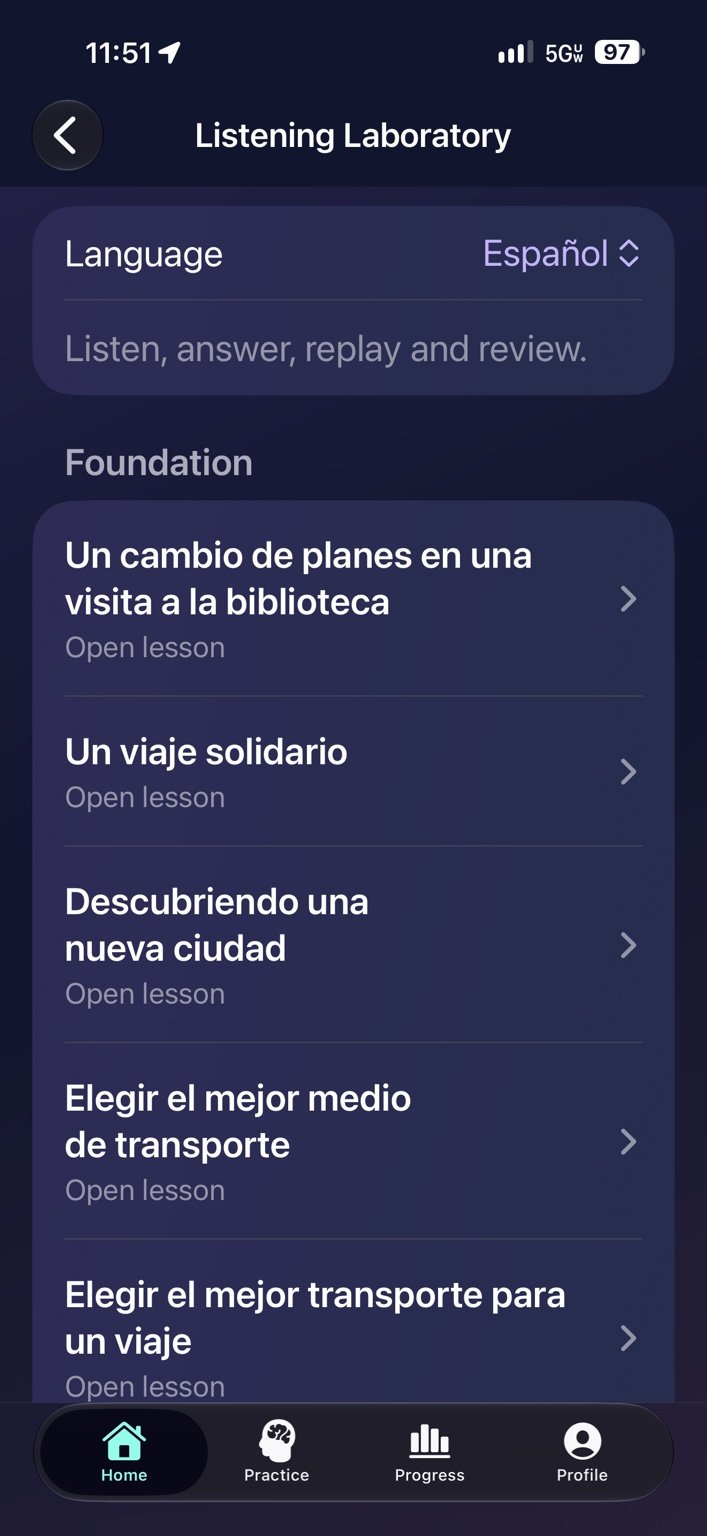
Listening lessons — Browse practice at different difficulty levels.
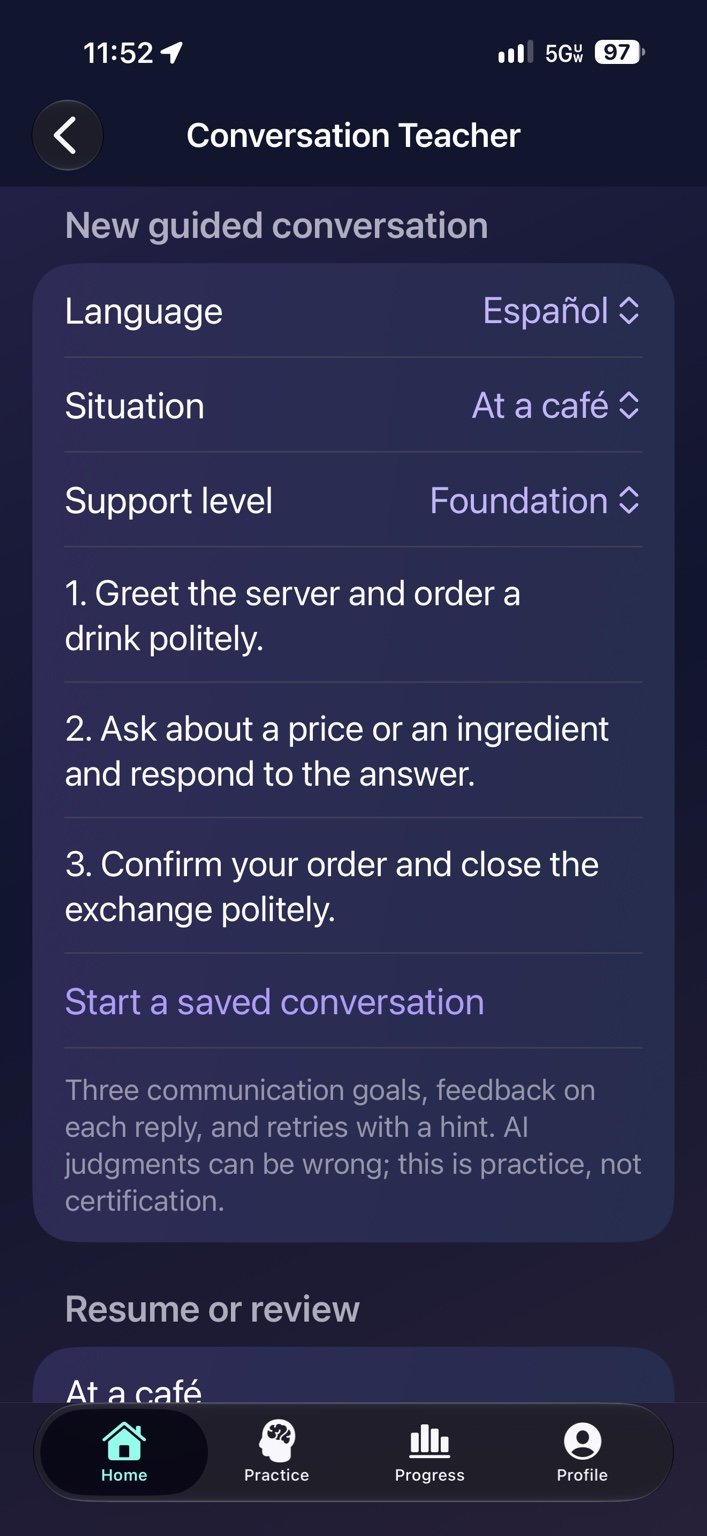
Conversation Teacher — Choose a situation and guided goals.
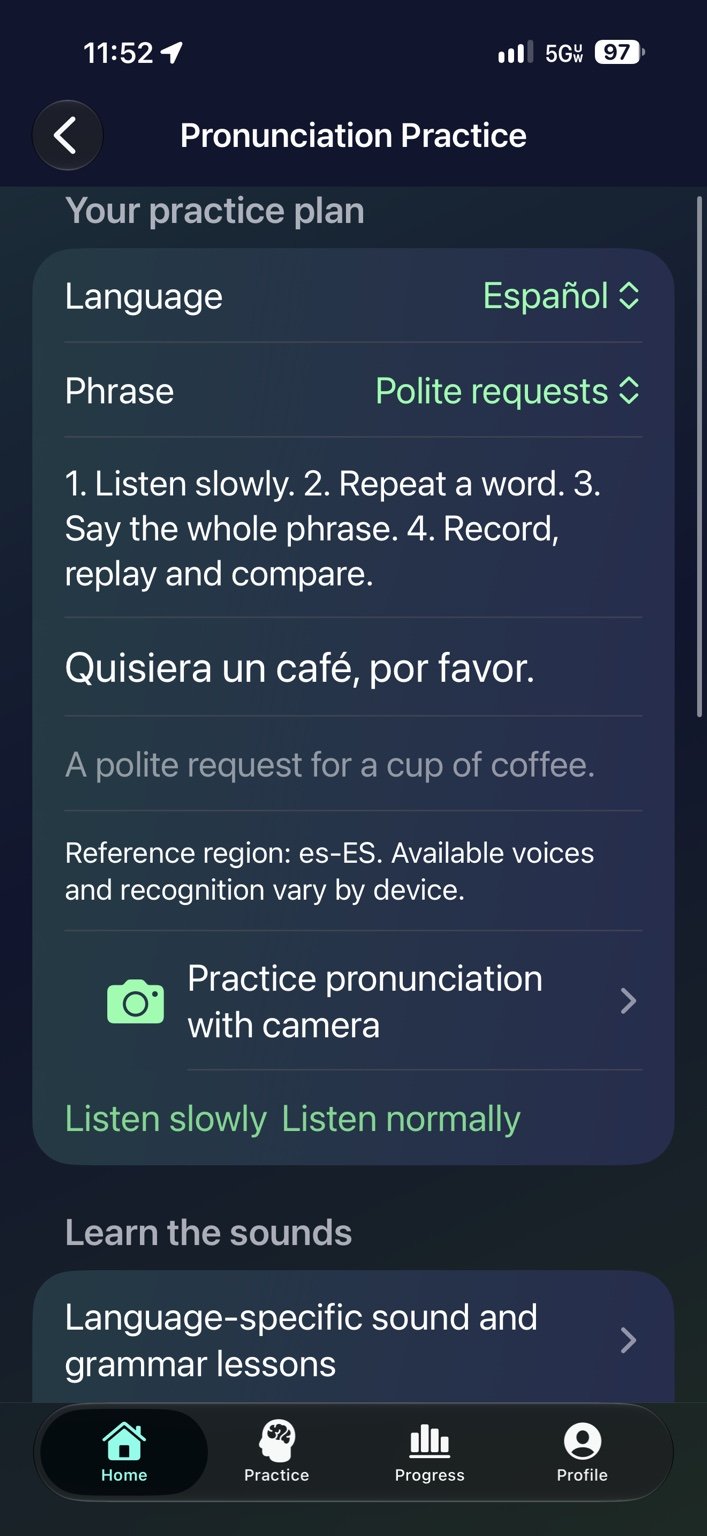
Pronunciation practice — Listen slowly, record and compare.
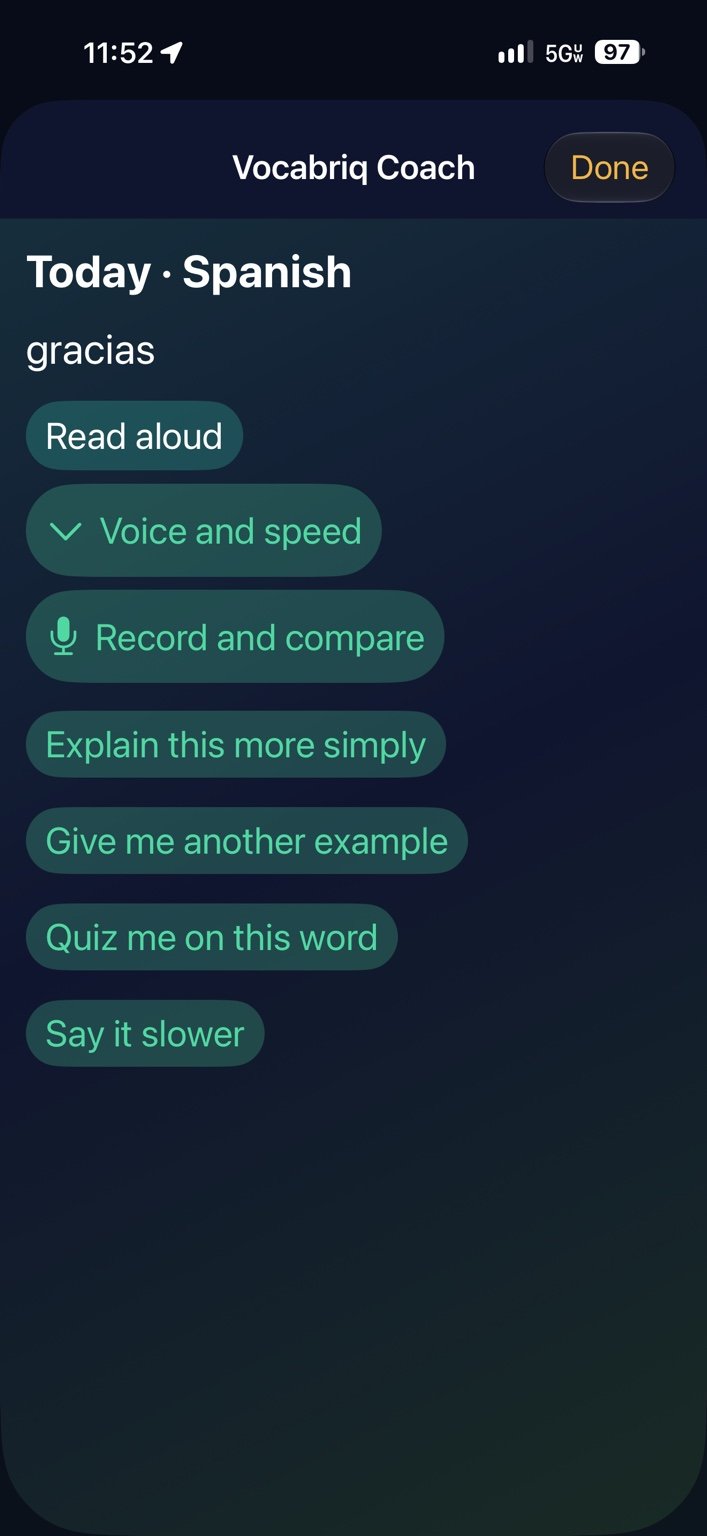
Vocabriq Coach — Ask for simpler explanations and examples.
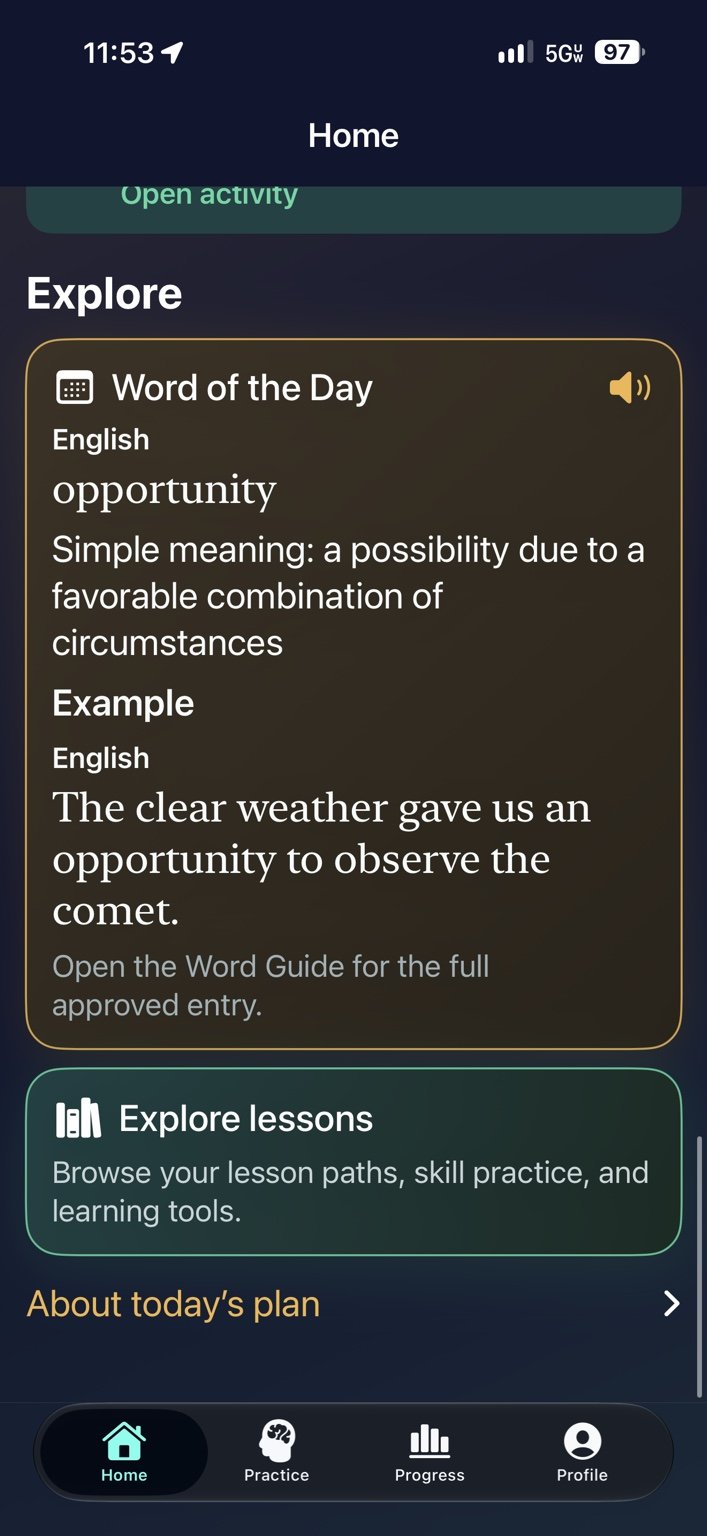
Word of the Day — Explore a meaning and example.
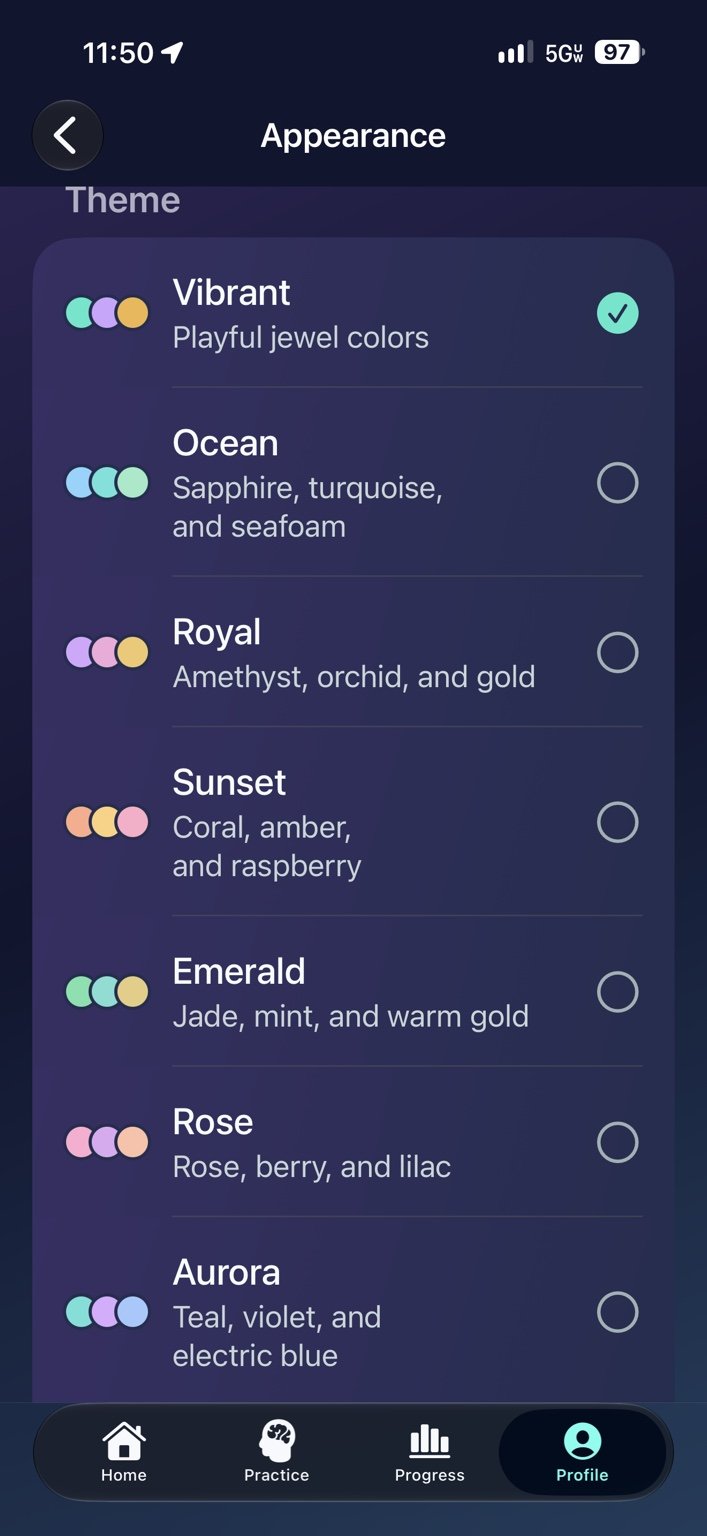
Appearance — Choose a theme that suits you.
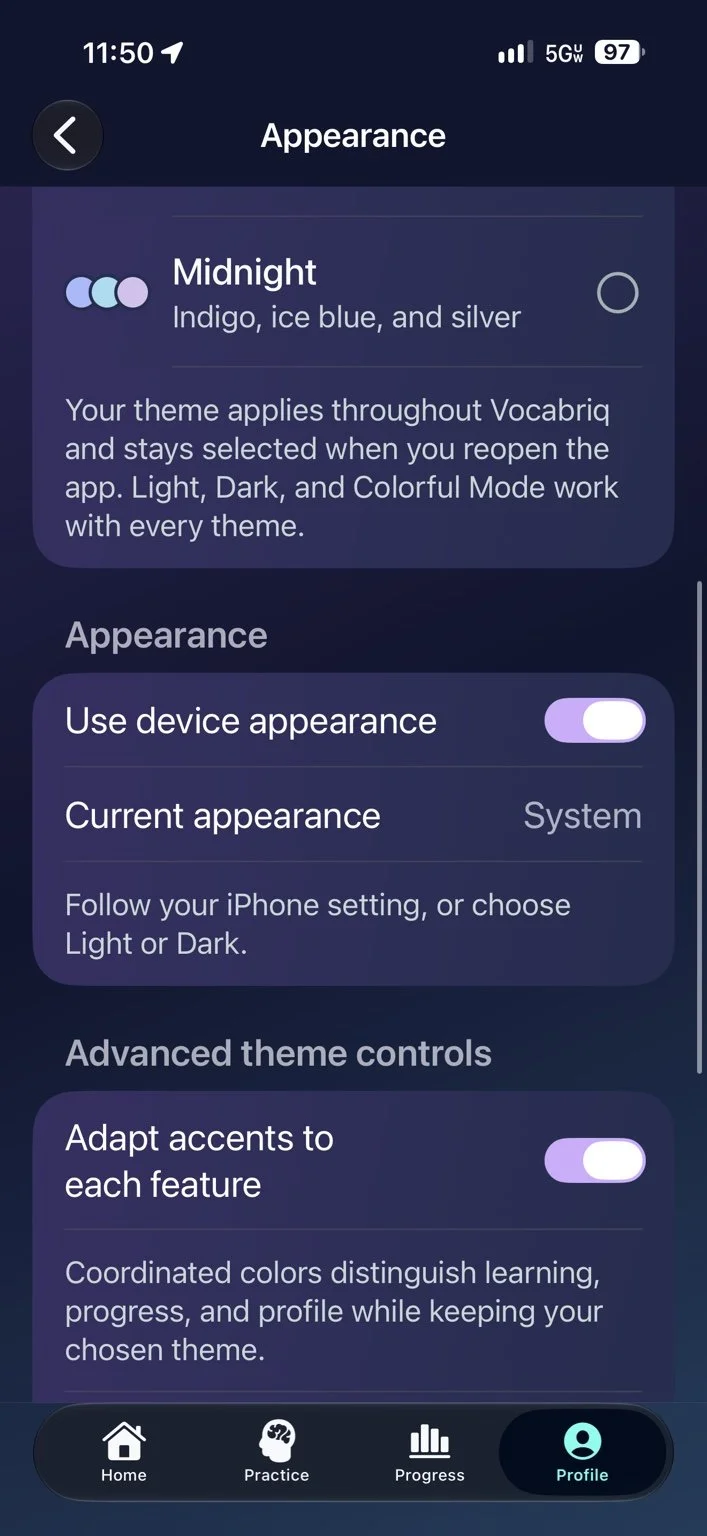
Appearance settings — Follow your device appearance and choose feature accents.
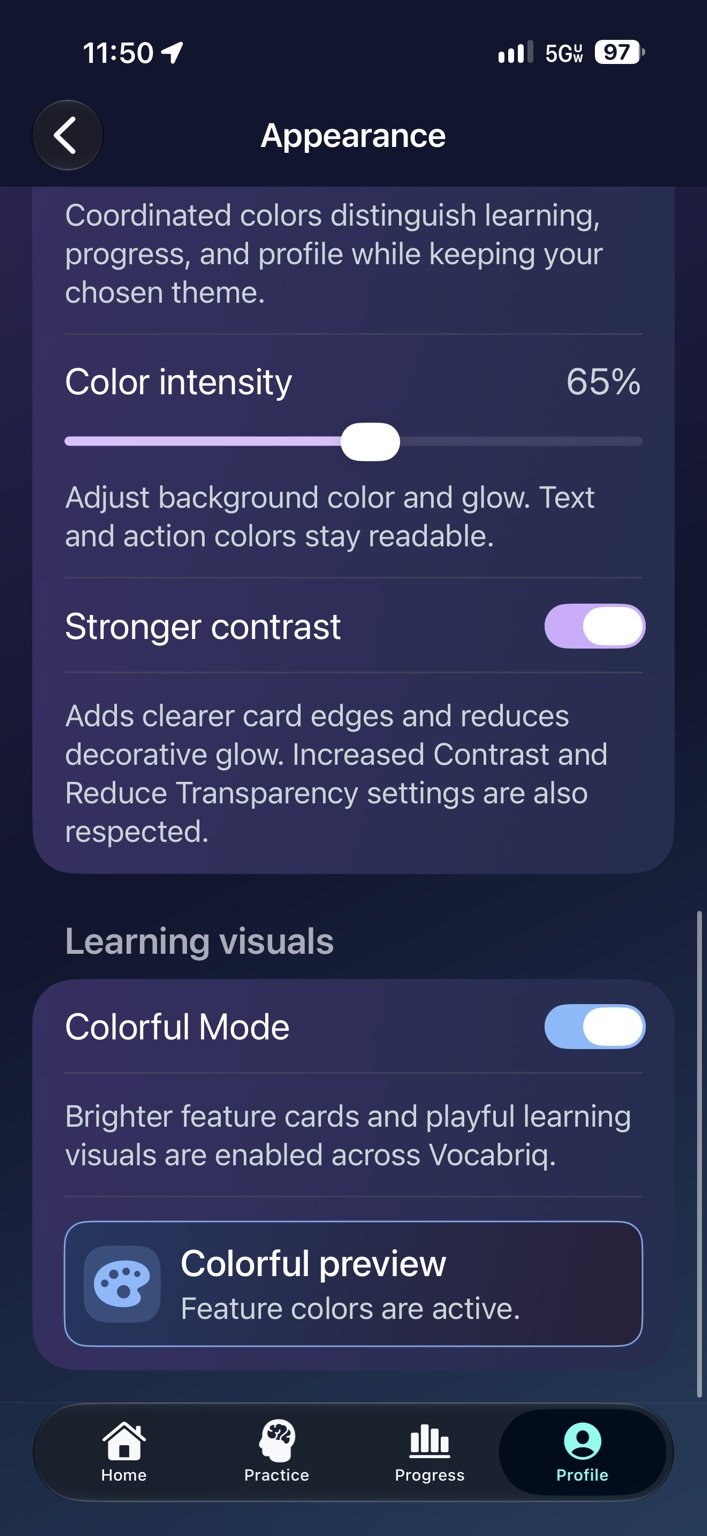
Contrast and color — Adjust color intensity, stronger contrast and Colorful Mode.
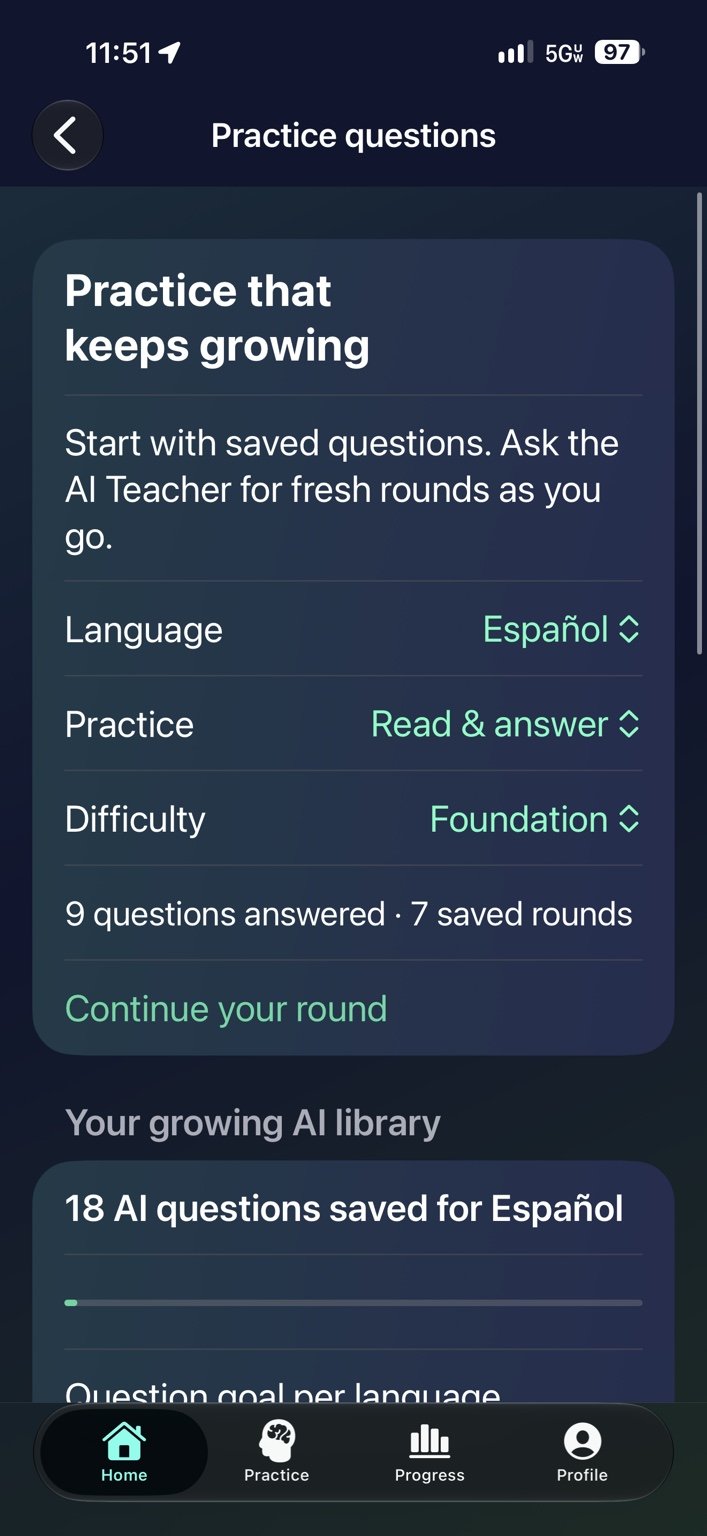
Practice questions — Choose a language, practice type and difficulty, then continue a saved round.
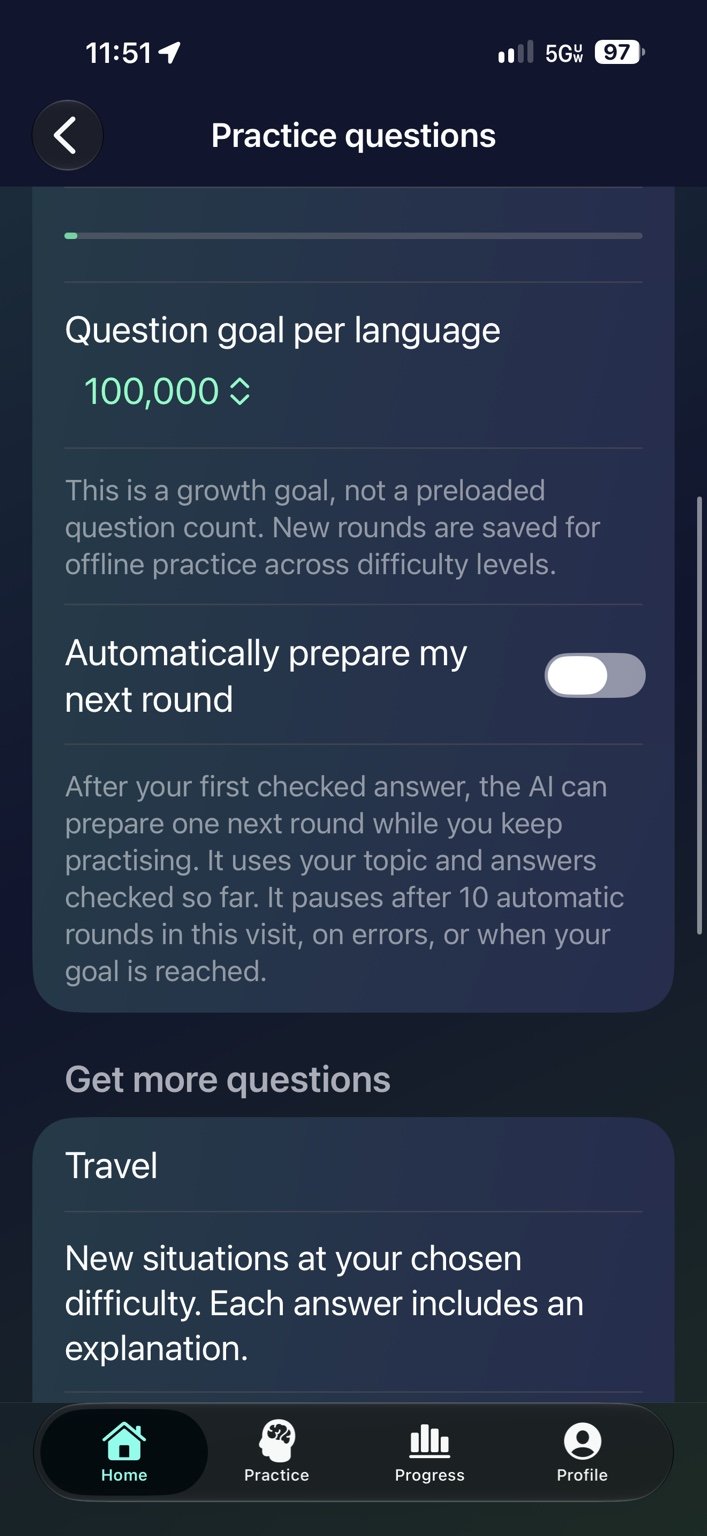
Your question library — Set a growth goal and optionally prepare the next practice round.
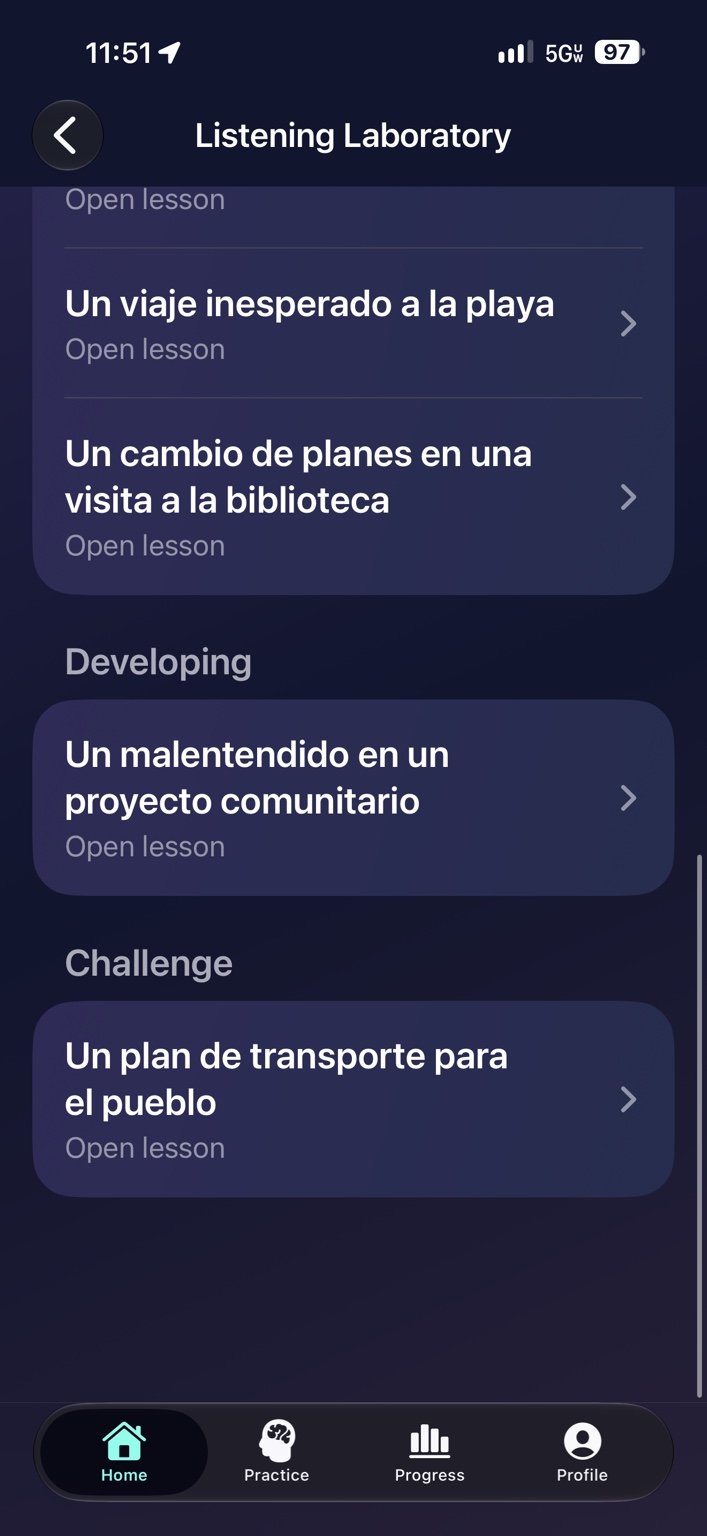
Listening levels — Explore Developing and Challenge lessons.
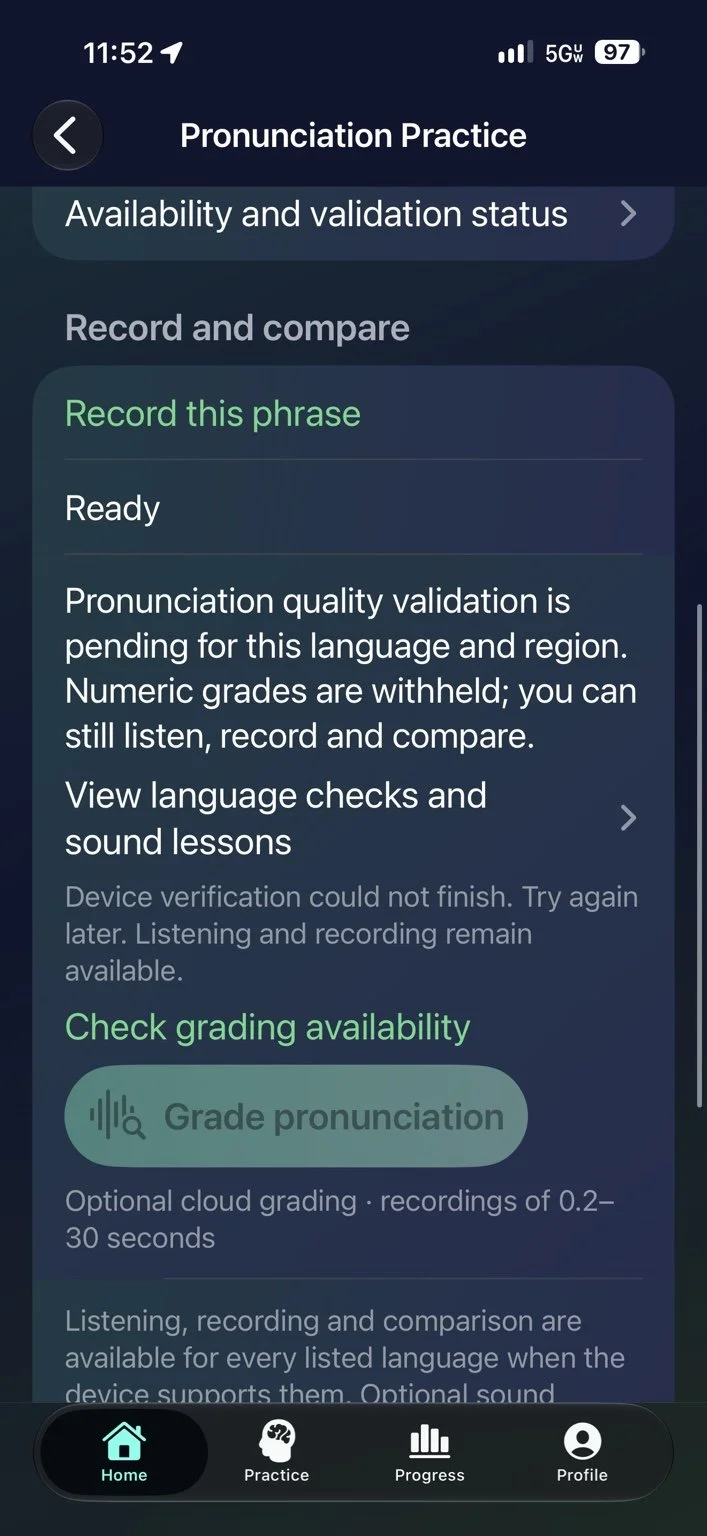
Record and compare — Check pronunciation grading availability for your language and device.
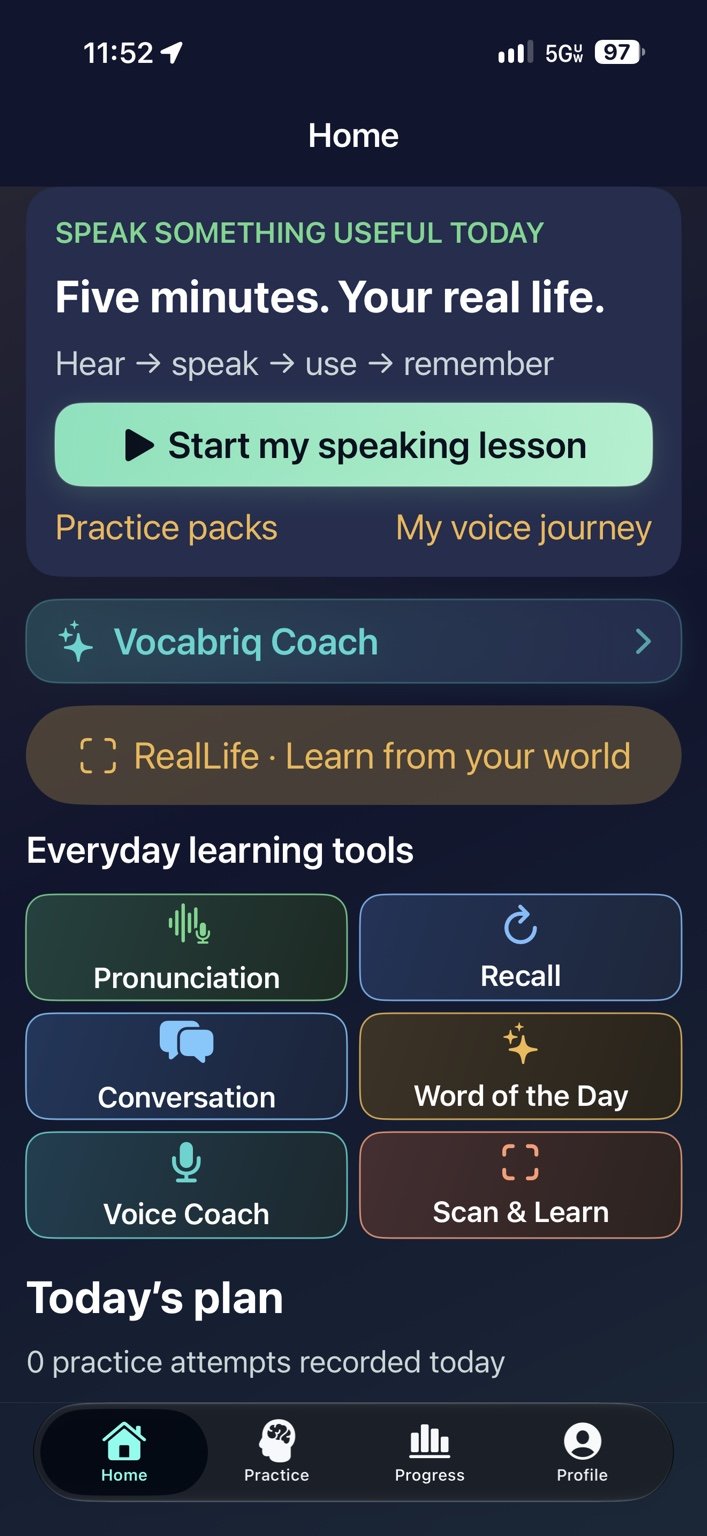
Everyday learning tools — Open pronunciation, recall, conversation, Voice Coach and Scan & Learn.
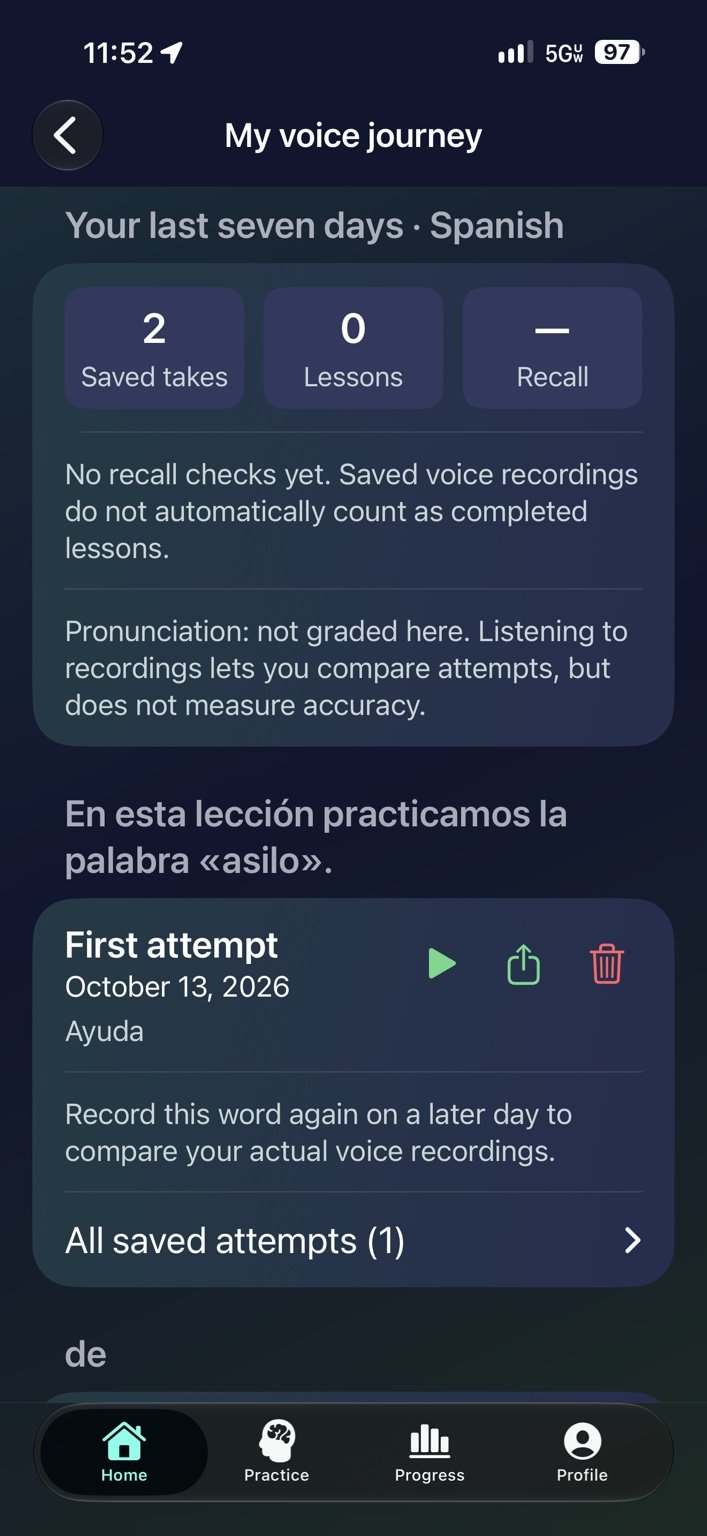
My voice journey — Replay saved recordings and compare your attempts over time.
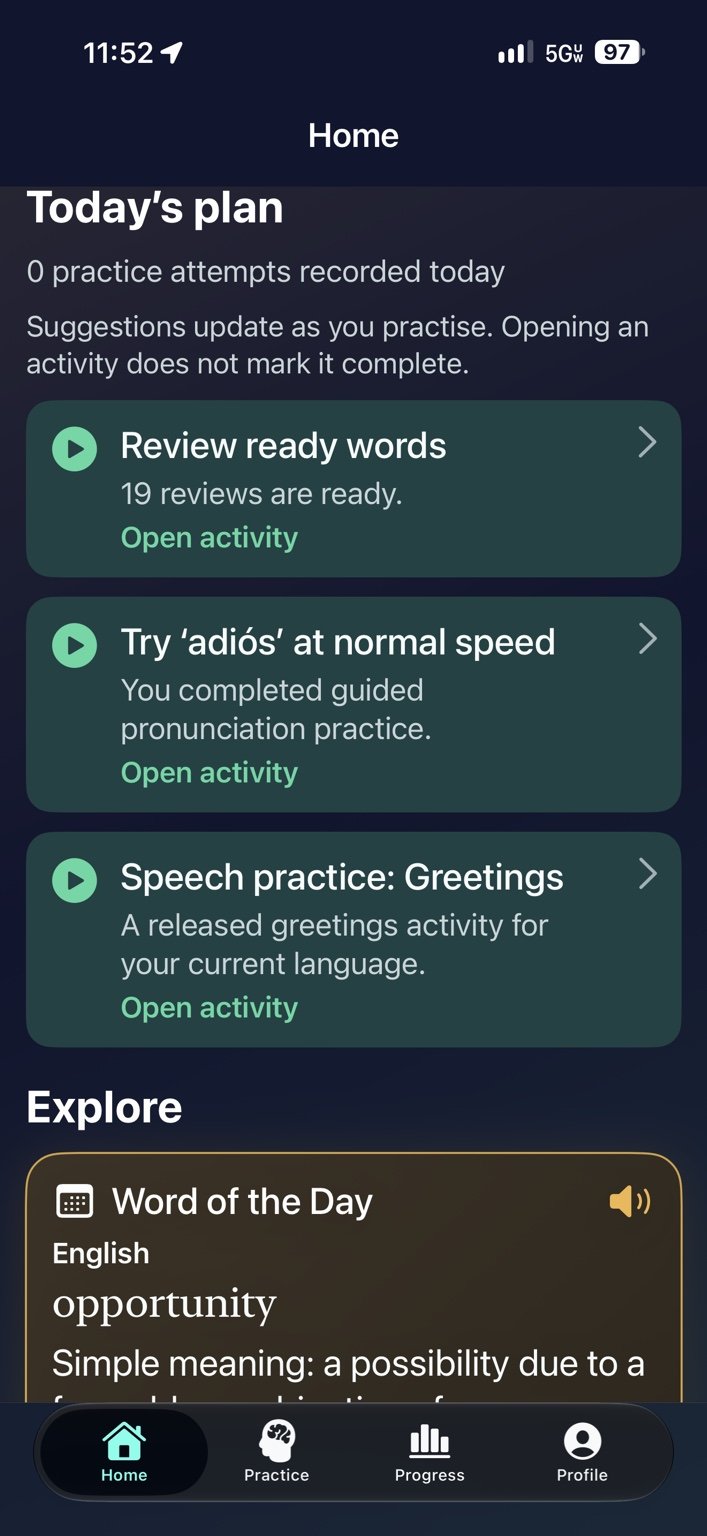
Today’s plan — Find ready reviews and suggested speaking activities.
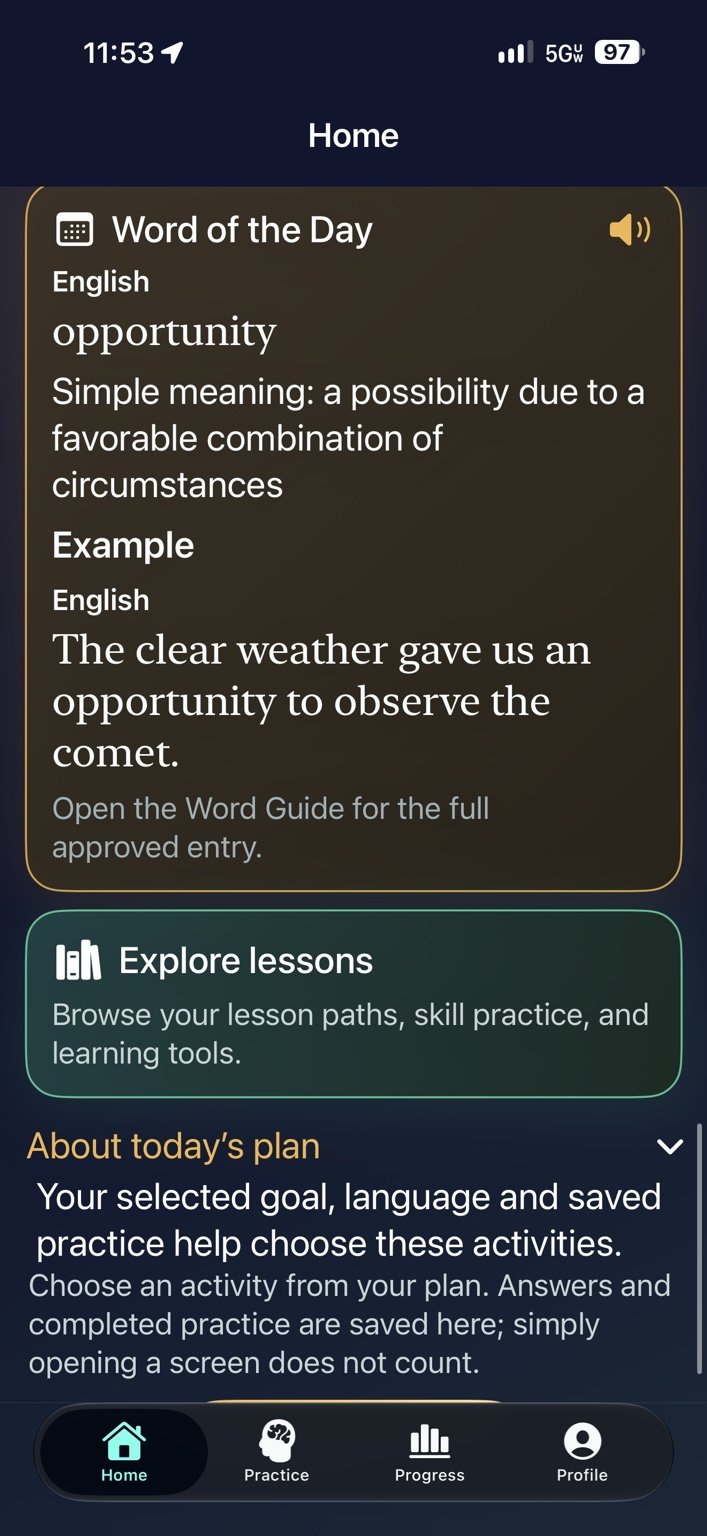
Your learning plan — Explore the Word of the Day and see how activities are selected.
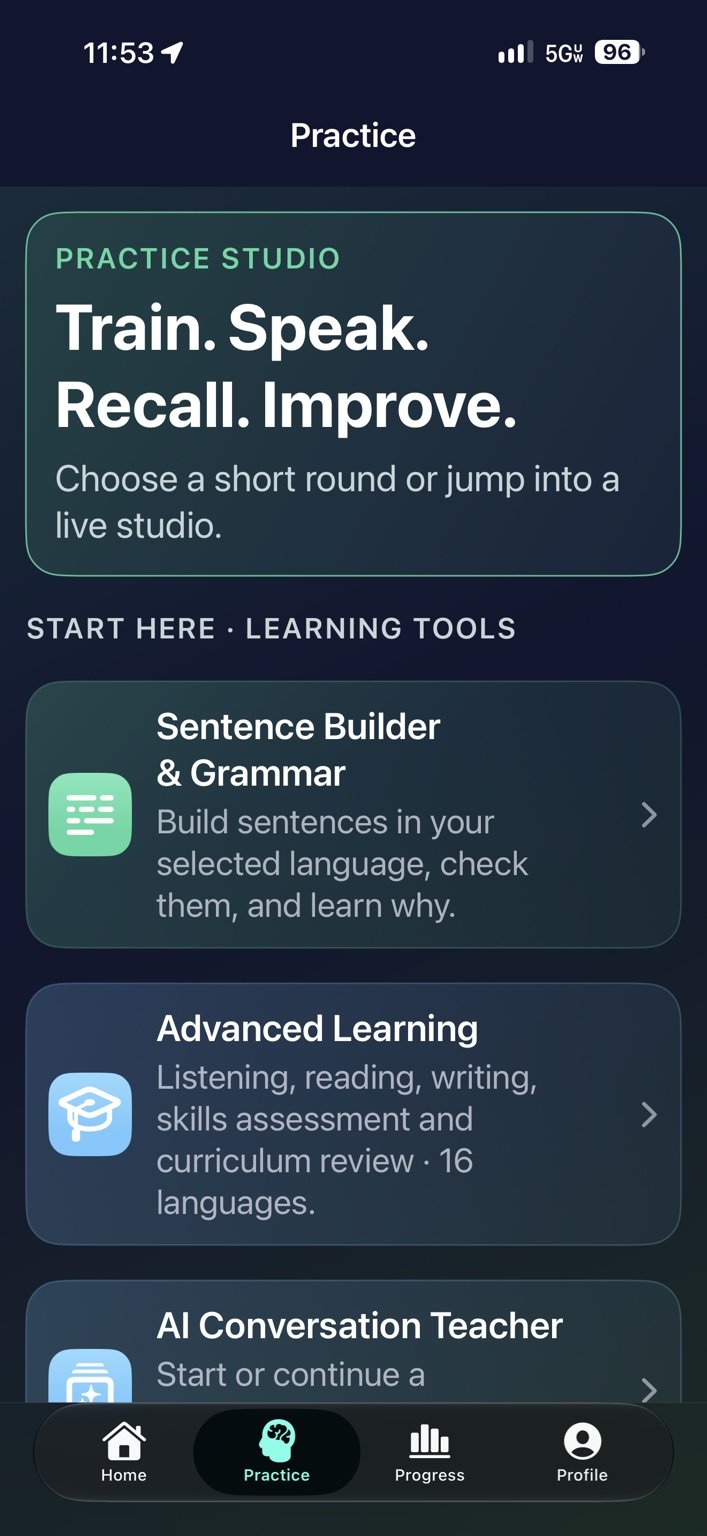
Practice studio — Open Sentence Builder & Grammar, Advanced Learning and Conversation Teacher.
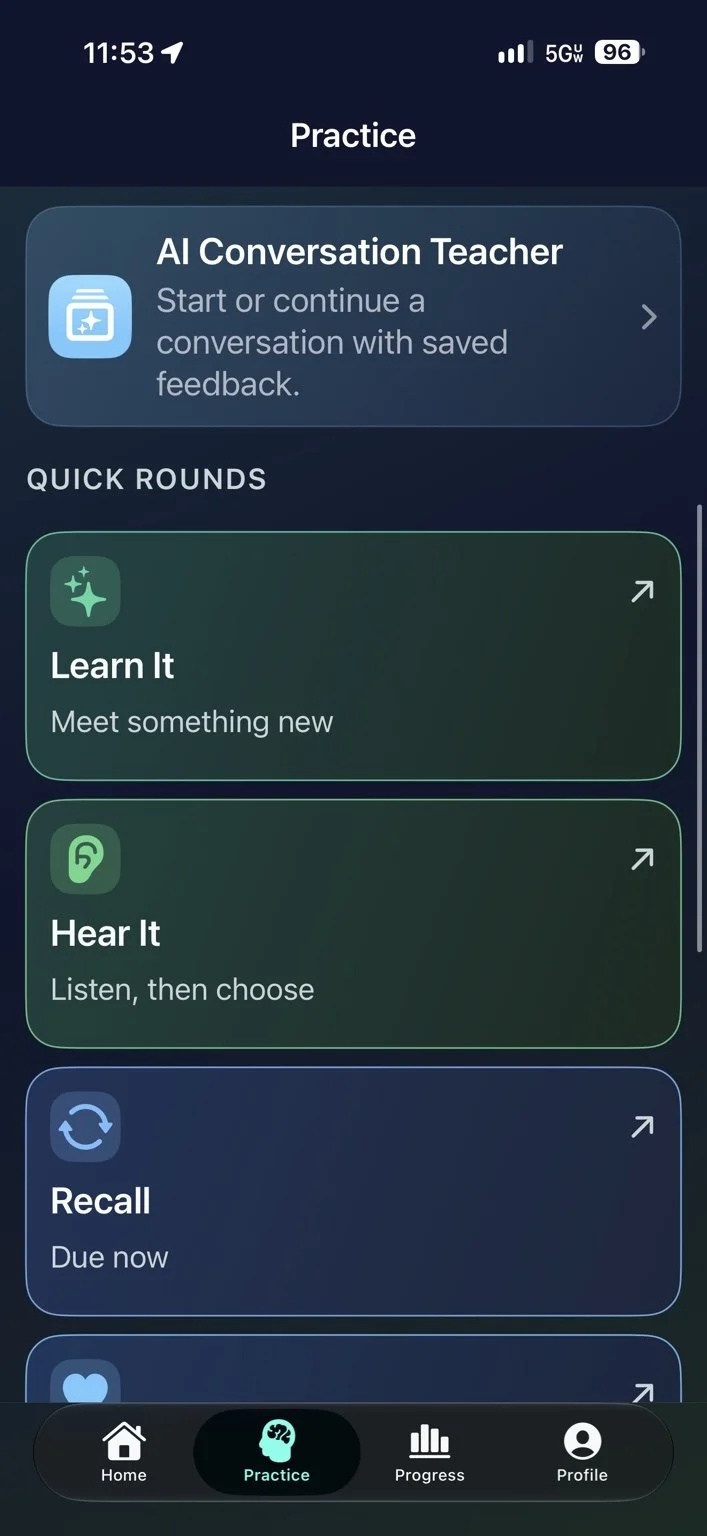
Quick rounds — Learn something new, practise listening and recall what you know.
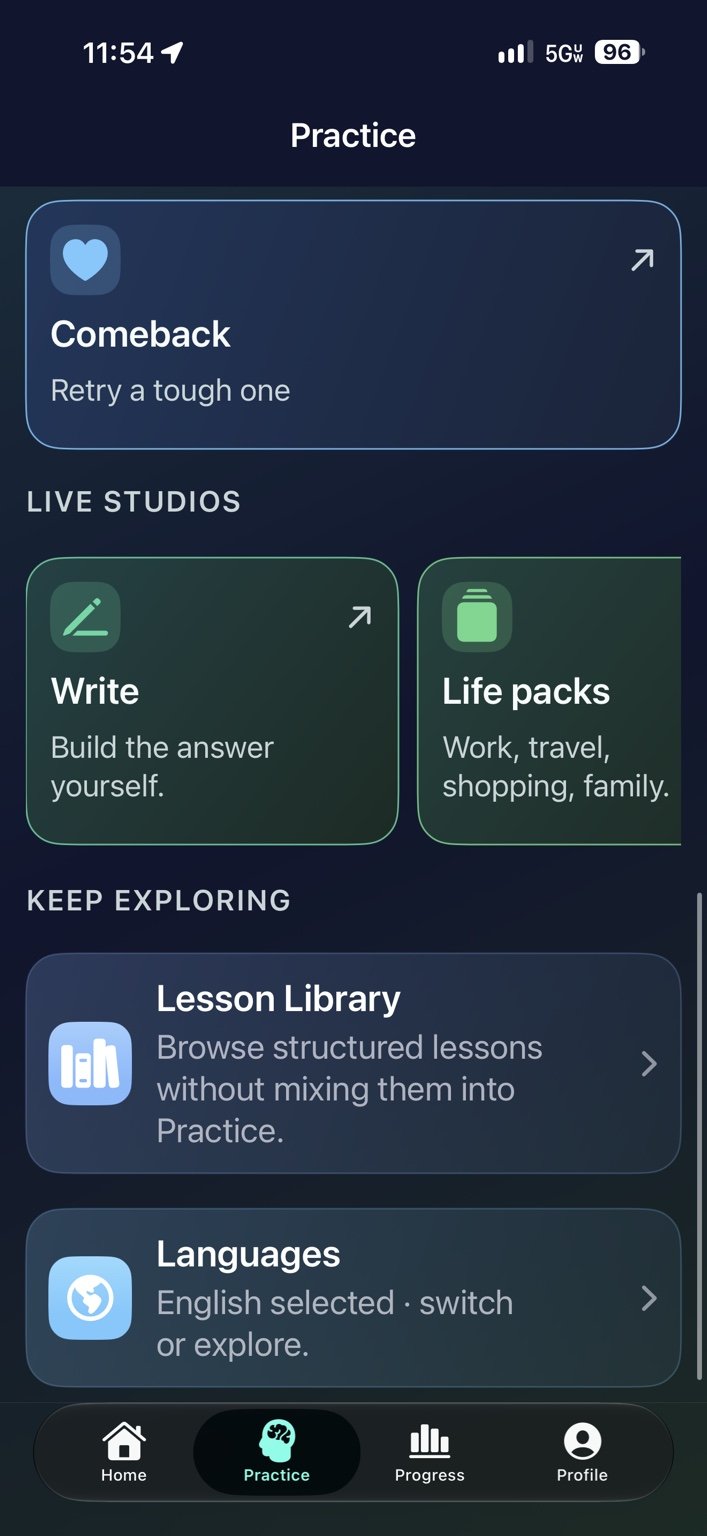
Live studios — Explore writing, life packs, the lesson library and languages.
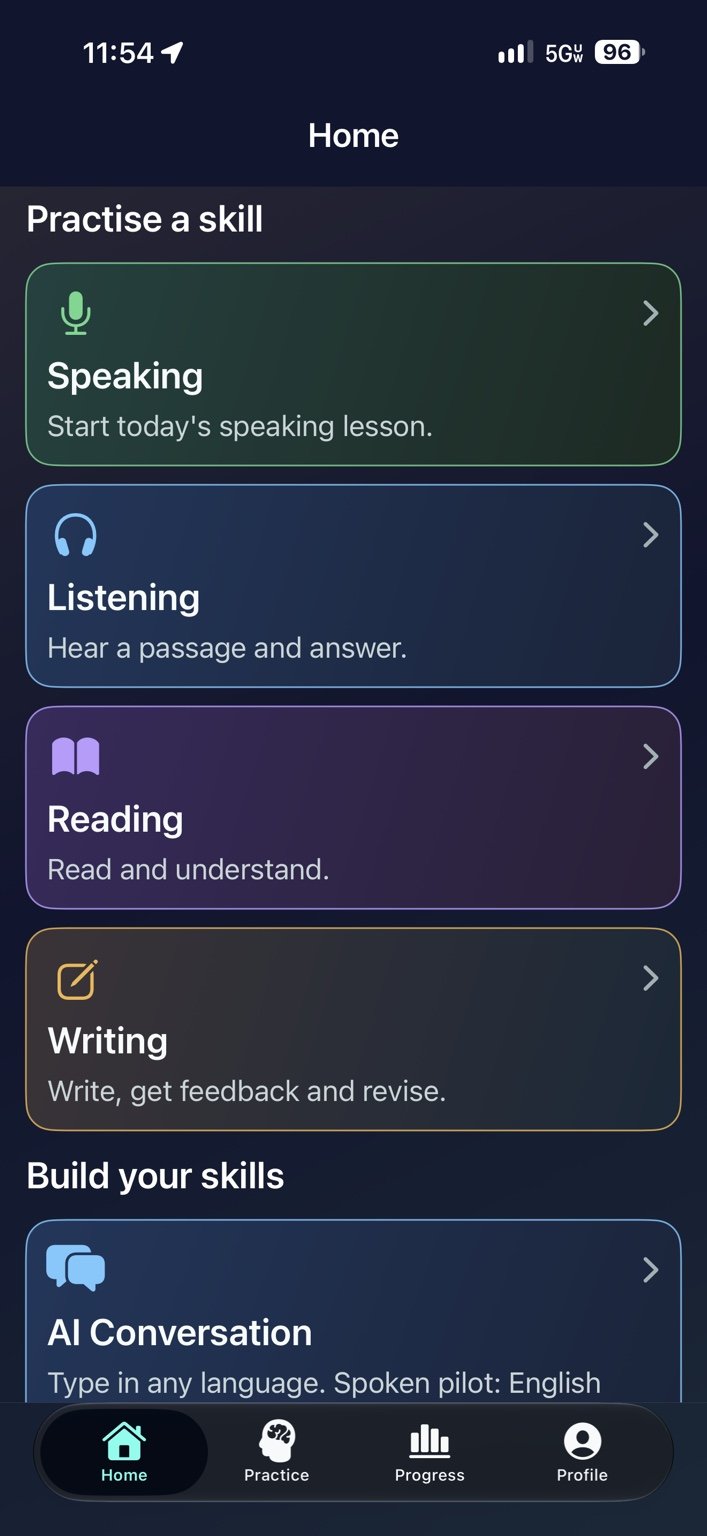
Practise a skill — Explore speaking, listening, reading and writing activities.
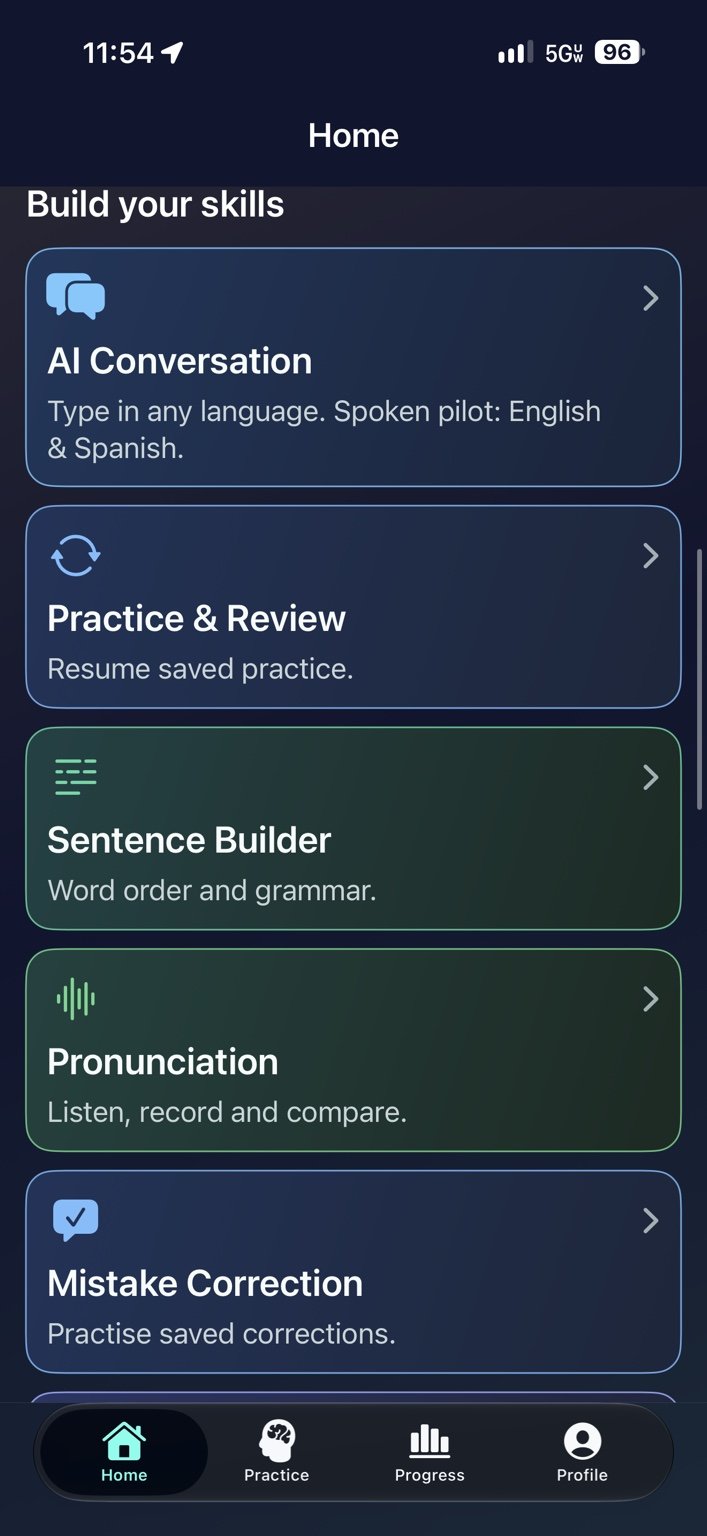
Build your skills — Find conversation, review, sentence building and pronunciation tools.
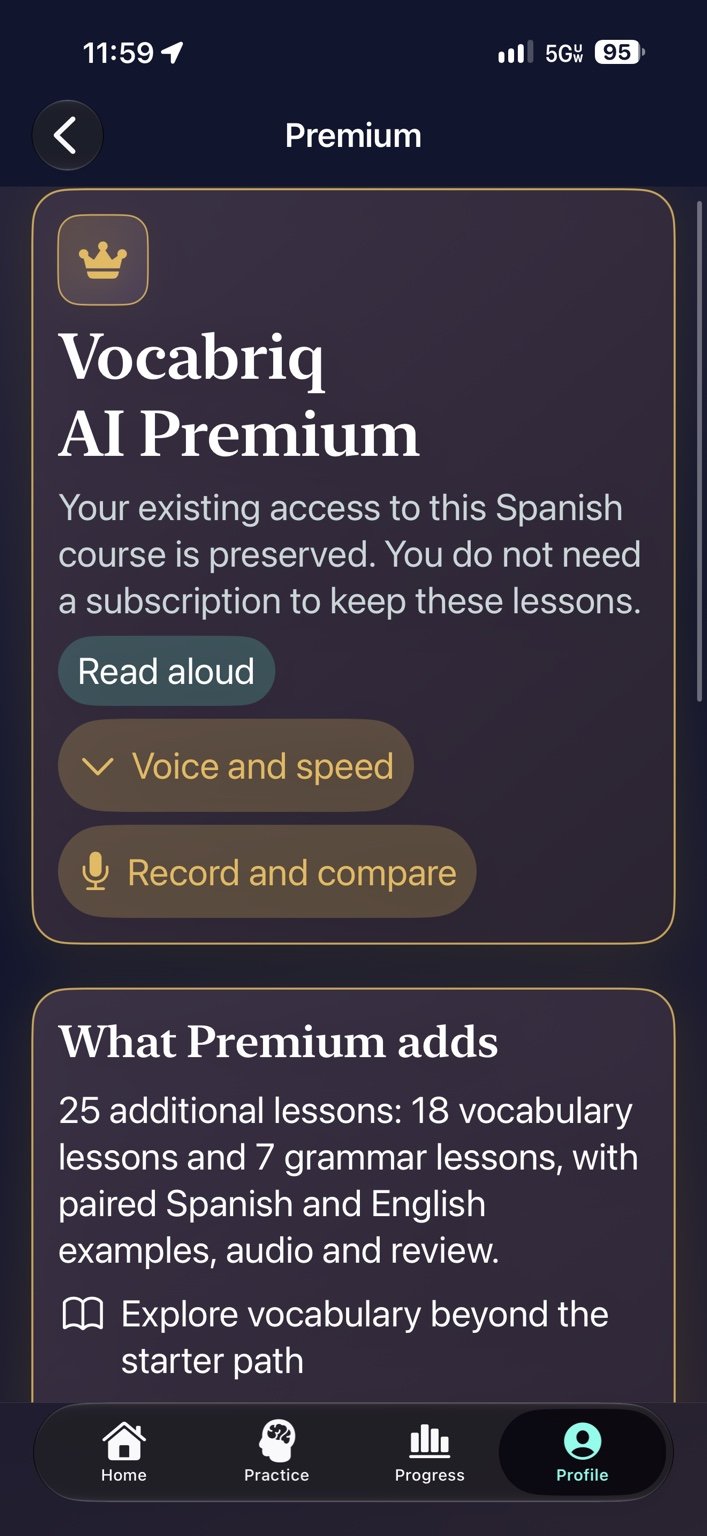
Premium overview — Previously granted course access is preserved.
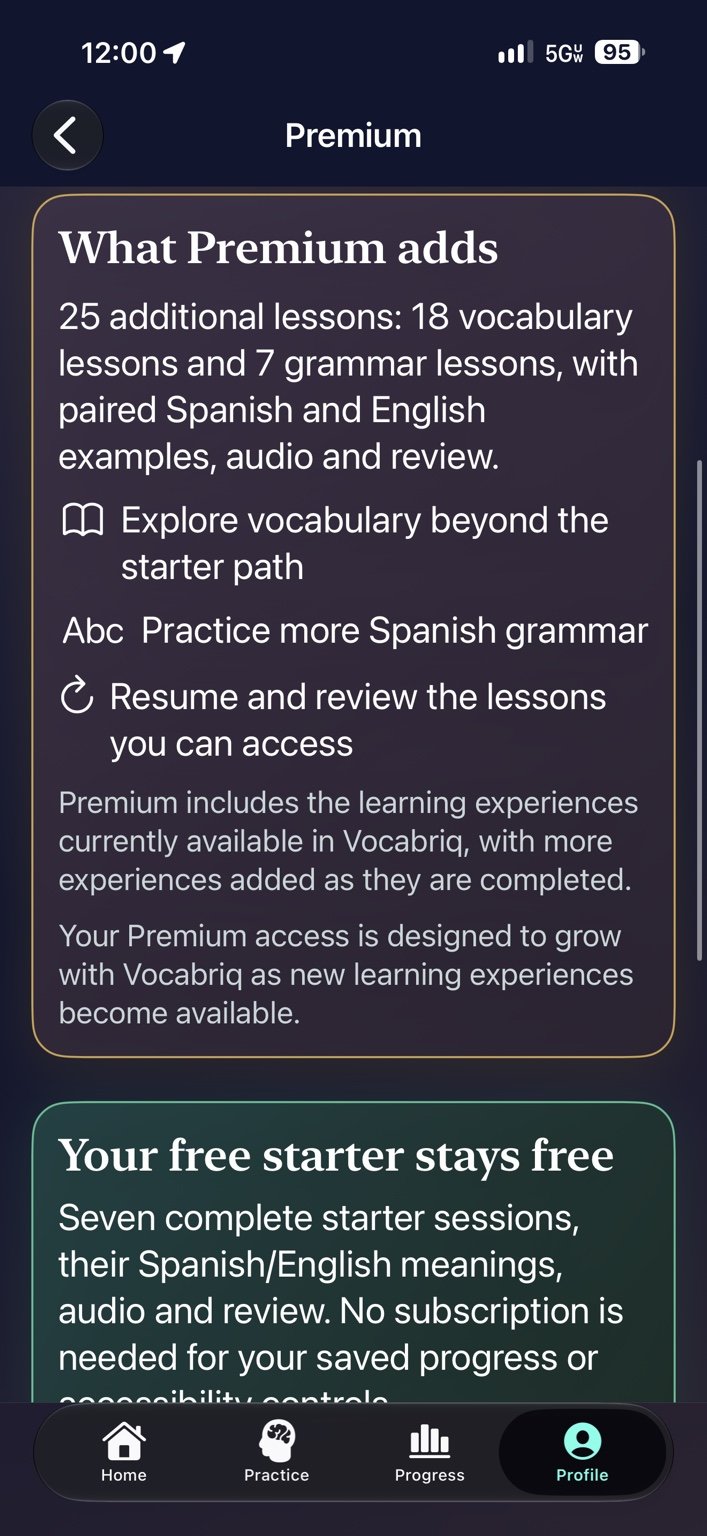
Premium course — Explore 25 additional lessons while the free starter stays free.
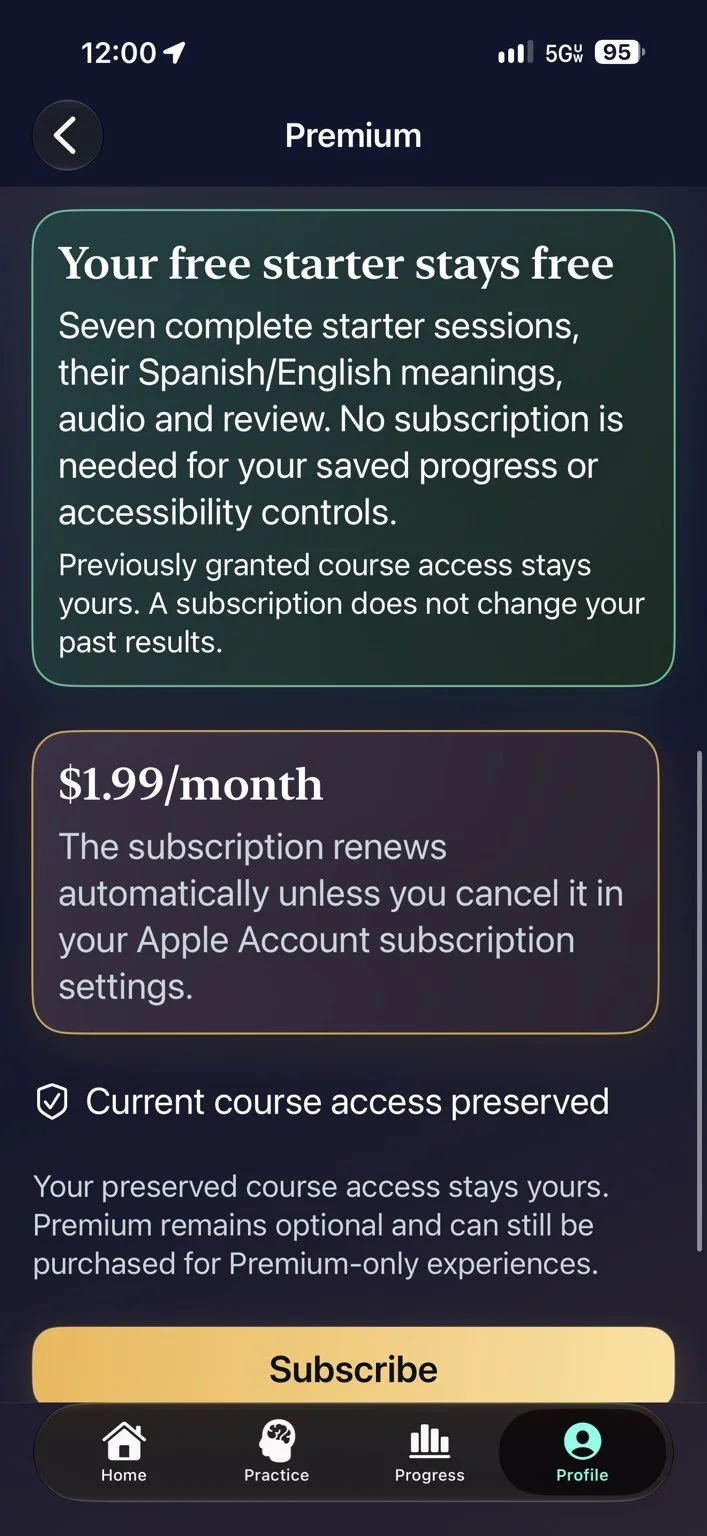
Free starter and optional Premium — Seven starter sessions, saved progress and accessibility controls.
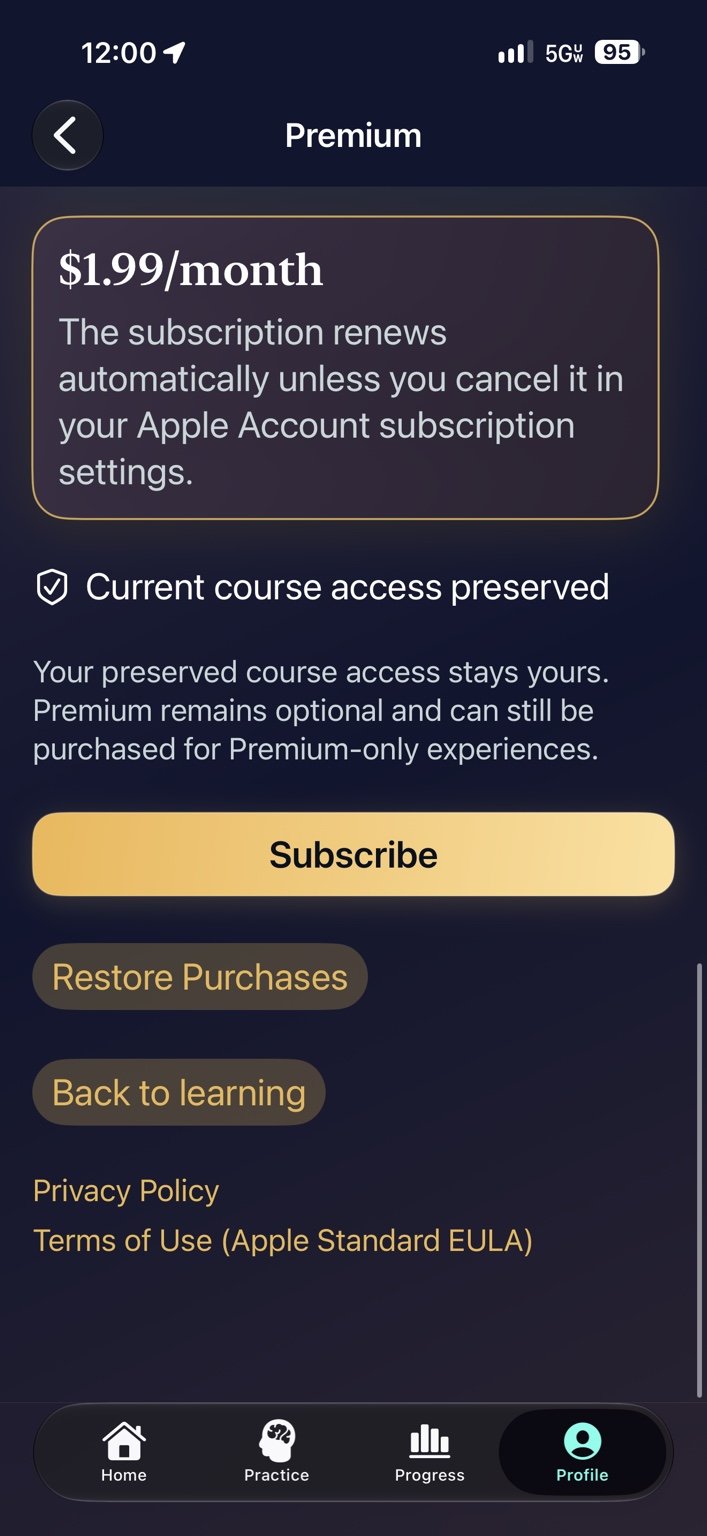
Subscription options — View current pricing, restore purchases and find privacy and terms links.
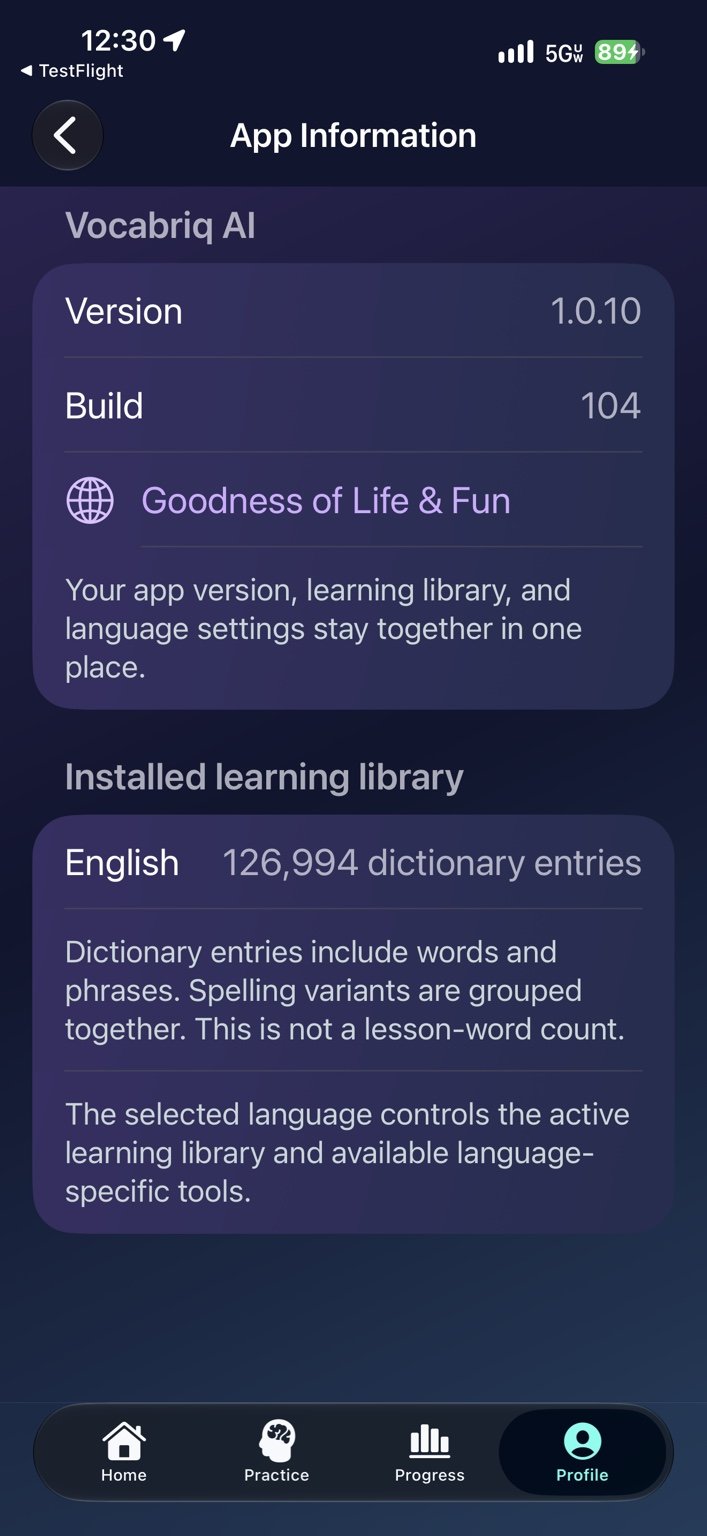
App information — See the installed version, build and dictionary entry count.
Make every practice count.
Build your vocabulary, practise real conversations and return to the skills you want to strengthen.
Available in iOS 1.0.11
A bigger dictionary. More to explore.
Explore over 300,000 English dictionary entries and 20,000 entries in each of 15 additional languages. Guided practice includes 10,000 words per language across Spanish, French, German, Brazilian Portuguese, Italian, Japanese, Korean, Mandarin Chinese, Arabic and Hindi.
Russian, Turkish, Dutch, Polish and Vietnamese are available as dictionary reference content, with read-aloud where a compatible device voice is available. These five languages do not yet include the 10,000-word guided-practice packs or released cloud pronunciation grading. Dictionary entries and guided-practice words are separate, overlapping inventories.
Make it stick with Scheduled Review.
Return to speaking, listening, typing, tiles and reading in clear, full-width review cards. See what is ready, follow your streak and practise each skill at its own pace.
Your learning library, together.
Choose to save supported words, meanings, phrases, sentences, grammar and questions with answers to your private cloud library. Submit material separately for independent review and shared reuse.
Contribute. Track your progress.
Send words, phrases, sentences, questions and corrections through simpler forms. Follow submission status and eligible contribution rewards after independent approval. Reward offers depend on eligibility and availability.
Everyday learning tools
Explore Word of the Day, guided lessons, sentence building, grammar, Conversation Teacher, Vocabriq Coach, Word Camera and Book Snapshot. Create short AI practice rounds and return to saved questions offline.
Listen, record and compare your voice. My voice journey keeps up to 100 recordings on your device.
Start learning your way.
Seven starter sessions remain free. Optional Premium adds 25 Spanish-course lessons. View current pricing and renewal terms in the app before purchase; manage or cancel subscriptions in your Apple Account.
Cloud learning tools require internet access and consent. Voice and grading availability depend on your language and device.
Privacy Policy · Support · Terms of Use
iPhone and iPad · iOS/iPadOS 18 or later.